

Useful Google Chrome Extensions.
We will see some of the best useful Google Chrome extensions that will be important and helpful and will speed up the work. Below is a quick list of all the attachments discussed.
1. ColorZilla
It is a Chrome extension that allows you to instantly pick any color code from the front-end web page layout in multiple choices like Hex, RGB, etc.

2. Dark Reader
It is used to create a virtual dark mode of the Chrome browser and the websites you are viewing, it will turn your page completely black, so it is helpful for eye care. Yes, sometimes it's not that great but overall it's fine and useful. Also, you can set the dark mode in the chrome browser but note that it will only change the chrome theme to dark and not change the theme of every website, but this extension does.

3. Easy Auto Refresh
It will automatically reload your page after the time you specify, it is usually used by people who want to be online all the time for a particular website, with this extension they keep reloading the page and show online status.

4. Grammarly
Grammarly is a cloud-based typing assistant that checks for spelling, grammar, punctuation, clarity, engagement, and delivery errors in the text. It uses artificial intelligence to identify and find a suitable replacement. You can engage your English audience more effectively with this extension.

5. Code Greeper
Grepper is a Google Chrome extension, designed to make programmers' lives a little easier when searching for code snippets. When you want to find a valuable and helpful code snippet and don't want to visit many websites, you can use this, it will provide you the code snippet directly like in the google search snippet.

6. JSONVeu
JSONVue is a Google Chrome extension, it helps you to view JSON files in the beautiful format you see in a code editor. i.e, When you are retrieving data from JSON APIs and want to see a unique ID in the browser, you can't see it easily because of clutter, but with this extension, you can format it and see it easily.

7. The Great Suspender
The Great Suspender is an open-source Google Chrome extension that allows you to suspend unused tabs to free up system resources. i.e, when you are handling a big project, you open several tabs in Google to search for something, but it requires a lot of memory. So to save it you can suspend a specific tab or URL so the tab stays open but doesn't use memory and you can resume it with just one click.

8. GoFullPage
GoFullPage is a free extension that allows you to capture a full webpage screenshot from header to footer. With it, you can take full-page screenshots and also save them as png, jpg, and pdf.

9. DuckDuckGo
DuckDuckGo is available as an extension that you download and add to the Chrome web browser. It adds privacy settings to Chrome that are not available natively in Chrome and prevents sites from placing tracking cookies on your Chrome browser.

10. LINER
In the vast amount of information on the Internet, LINER helps you find the to-the-point answer. When you search on Google it shows thousands of results so this extension will help you to filter out those results. It also allows you to make notes and save important points. If you spend a lot of time doing research in a web browser, this would be the best choice for you.

11. LockPW
LockPW is a Chrome extension that allows you to set a password to activate the browser. It is just like an application locker for android apps.

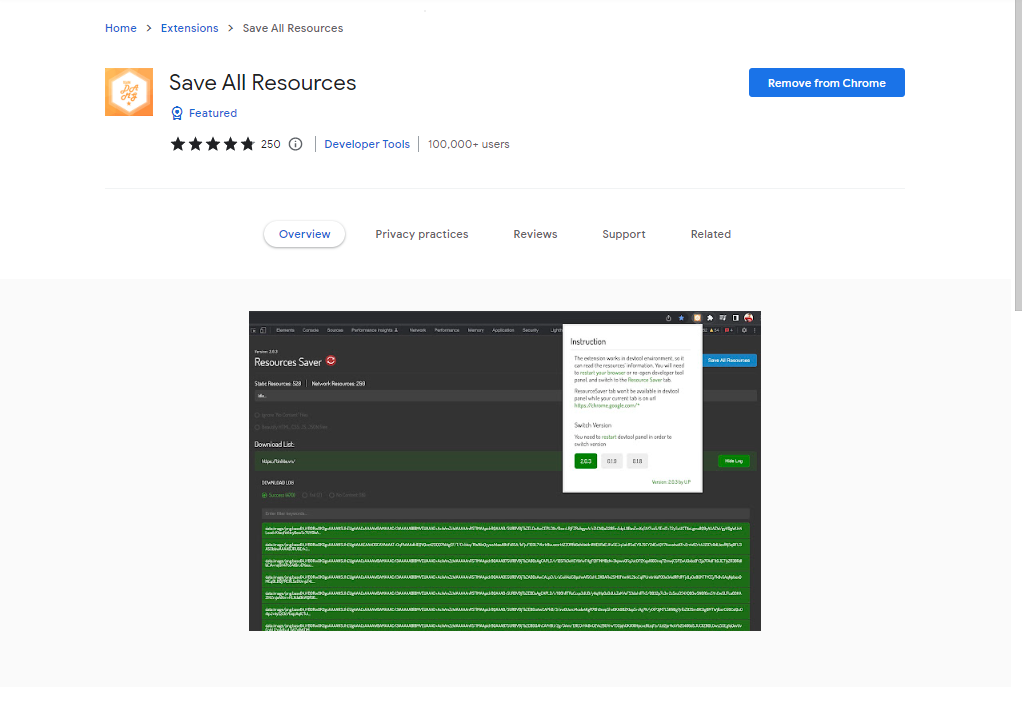
12. Save All Resources
Save All Resources is the perfect extension for website developers, it allows you to save and download all the front end of a web page you are viewing in HTML, CSS, and JS, including images. It stores the code in the root folder with subfolders which can be called its bonus point.
13. Strong Password Generator
Because we sign up on so many websites, security is always a big question for the Internet. This extension helps you create a strong password with a combination of letters, numbers, and special characters. It also allows you to view your password history so you don't have to remember your password all the time.

14. Video Downloader PLUS
It allows you to download the video you are watching on any website in good quality. It can detect and save media types like .3gp, .mp4, .wmv, .flv, .swf etc.

15. Todoist for Chrome
It's a great way to keep track of professional and personal projects and tasks, make lists, collaborate on work, and keep track of kids' responsibilities. This allows you to schedule your work and get things done in an organized manner.

16. Reply
This Chrome extension helps you research and engage with your prospects on professional social media just like LinkedIn. Here's a quick and easy way to find and verify someone's email address using LinkedIn Sales Navigator. Once you find contacts, you can sync them with your CRM or connect with prospects instantly.

17. LastPass
LastPass is an award-winning password manager that stores all your passwords encrypted. LastPass provides a secure vault where you can store all your login information. When you visit websites, LastPass will automatically fill in your credentials.

18. Scribe
Scribe is a great documentation and screenshots tool provided as a Chrome extension. If you want to create visual documents for yourself or your team, Scribe lets you do it just by recording step-by-step instructions online.

19. Ghostery
Ghostery is a powerful extension for privacy purposes. It allows you to block unwanted ads from a web page with its built-in ad blocker, protects you or your essential information from trackers, and helps you to enhance website speed and web page performance.

20. Bitly
Bitly is a uniform resource locator (URL) shortening service and link management platform. It helps you to manage and analyze links to your content and allows you to share or convert a long URL to a short URL as you may have already seen in some YouTube video descriptions. Many content creators or marketing experts are using it.

21. Momentum
Momentum is a Chrome extension that helps you show the beauty of nature on your new tab page. It displays greetings, weather, a nice wallpaper, motivational quotes, a custom bookmark bar, and to-do list, etc.

22. Bookmark Sidebar
Bookmark Sidebar is an extension for people who want a clean look for browsing many web pages in the bookmark bar. It helps you create a customized bookmark bar where you can search, filter, and other functions with tabs.

The series continues. See next. Coming soon.


0 Comments